Contents
- 1 What Is Orphaned Content and Why Does It Matter for SEO?
- 2 How Link Whisper Detects Orphaned Content on WordPress Sites
- 3 Best Practices for Reintegrating Orphaned Content
- 4 Why Link Whisper Is a Must-Have for Internal Linking Maintenance
- 5 FAQs About Internal Linking
- 6 Why Trust LinkWhisper Internal Linking Software
Orphaned content refers to pages or posts on your site that have no internal links pointing to them. These pages are often invisible to both users and search engines. In SEO, that’s a problem.
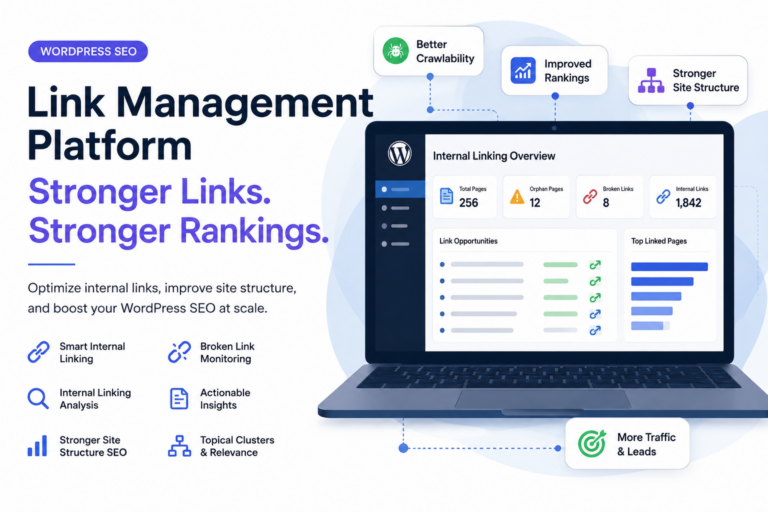
With LinkWhisper, a dedicated internal linking tool for WordPress, you can automatically detect orphaned content and reintegrate it into your site’s structure, improving crawlability, indexation, and overall search performance.
What Is Orphaned Content and Why Does It Matter for SEO?
Orphaned pages are pieces of content that aren’t linked to from anywhere else on your site. Even if published and live, search engines may miss them entirely.
Key SEO Risks of Orphaned Pages
- No internal signals to indicate relevance or importance
- Limited crawl access due to poor navigation
- Lower ranking potential because of the isolated page authority
- Wasted content that fails to drive traffic
Without proper internal linking, even your best articles may underperform. That’s why it’s essential to scan for these disconnected pages regularly.
How Link Whisper Detects Orphaned Content on WordPress Sites
The Link Whisper Dashboard includes a robust Link Health report that highlights posts with zero internal links.
Step-by-Step – Finding Orphaned Posts with LinkWhisper
- Go to your WordPress admin panel
- Navigate to the Link Whisper Reports tab
- Filter by posts with 0 inbound internal links
- Please review the list of orphaned pages and their status
- Click on the post title to begin editing or linking
You now have a targeted content list to optimize with relevant in-content links.
Best Practices for Reintegrating Orphaned Content
Once you’ve identified your isolated content, the next step is to create smart internal links that point to it from other relevant pages.
How to Add Contextual Links Using LinkWhisper
- Open a strong-performing post
- Scroll down to see LinkWhisper’s suggestions
- Look for recommended links that include orphaned pages
- Approve and insert them naturally into sentences
- Ensure the anchor text is relevant and descriptive
For optimal results, apply the Best Practices for Anchor Text Optimization and Link Placement—such as using semantically rich phrases and avoiding overused anchors—to ensure each link contributes meaningfully to your SEO goals.
You can also use LinkWhisper’s Auto-Linking tool to point recurring keywords to your newly found orphan pages automatically, ensuring they’re consistently integrated into your internal link structure.
Keep Your Site Structure Healthy with Regular Link Audits
Maintaining a clean internal linking architecture isn’t a one-time task. Use Link Whisper to:
- Run monthly Link Health reports
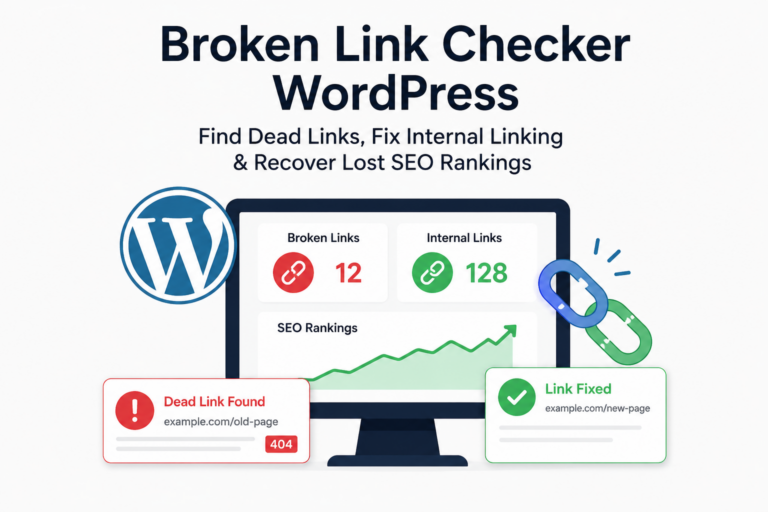
- Monitor broken or deleted links
- Update outdated anchor text
- Balance link distribution across your site
Consistent internal optimization supports stronger indexation, better user navigation, and more effective distribution of PageRank.
Why Link Whisper Is a Must-Have for Internal Linking Maintenance
No other plugin provides the depth and automation that Link Whisper offers for fixing orphaned pages and improving overall WordPress content health.
- Innovative, AI-driven link suggestions
- Deep reports on inbound and outbound links
- Anchor text management
- Orphan detection and reintegration
- Fast setup and intuitive UI
If internal linking feels like a chore, Link Whisper makes it manageable—and strategic.
FAQs About Internal Linking
1. What is internal hyperlinking, and how does it help SEO?
Internal hyperlinking refers to linking one page of your website to another. It helps distribute PageRank, enhances crawlability, and strengthens topical relevance—necessary SEO signals recognized by search engines like Google.
2. How many internal links should a page have?
While there’s no exact number, a good rule is to naturally include internal links where contextually appropriate, typically between 3 and 10 per post. Too many can dilute SEO impact or harm user experience.
3. What is the difference between internal and external linking?
Internal links connect pages within the same domain, while external links point to other domains. Internal links help structure your site and retain SEO value, while external links provide credibility and support for referencing.
4. Can internal linking improve my site’s crawl budget?
Yes. A strong internal link structure ensures that search engine bots discover and revisit important pages efficiently, optimizing how your crawl budget is spent.
5. How do I find orphaned pages that have no internal links?
Use SEO tools like Link Whisper, Screaming Frog, or Ahrefs to detect orphaned URLs. These are pages without inbound internal links, and crawlers often ignore them.
6. What is anchor text, and why is it essential for internal links?
Anchor text is the clickable word or phrase used in a hyperlink. Optimizing it semantically improves relevance signals to Google and user clarity, especially when done with contextual accuracy.
7. Should internal links open in a new tab?
Generally, internal links should open in the same tab to maintain flow and user experience. Use new tabs for external links to keep users on your site longer.
8. How can AI improve internal linking strategies?
AI-powered plugins like Link Whisper analyze content context, suggest relevant internal links, and automate the process, saving time and improving consistency across your site.
9. Is there a risk of overusing internal links?
Yes. Overlinking or repeatedly using the exact anchor text can appear manipulative to search engines. It’s best to maintain relevance, diversity, and a natural flow.
10. Can internal linking increase page authority?
Absolutely. Internal links help distribute link equity to key pages, boosting their visibility in SERPs. Better-linked pages tend to rank higher and get crawled more frequently.
Why Trust LinkWhisper Internal Linking Software
LinkWhisper is a trusted name in on-page SEO, offering one of WordPress’s most advanced and user-friendly internal linking software solutions. Since its inception in 2017, LinkWhisper has empowered over 40,000 website owners, bloggers, agencies, and SEO professionals to control their internal link structure with precision, speed, and confidence.
Engineered for technical SEO optimization, LinkWhisper helps users build smarter internal links by providing:
- Real-time internal link suggestions based on content relevance and semantic signals
- AI-powered anchor text optimization to ensure natural, SEO-friendly phrasing
- Automated internal linking rules that apply site-wide or on a per-post basis
- Comprehensive link health reporting to detect orphaned pages, broken links, and 404 errors
- Multi-site internal linking intelligence for users managing multiple domains
- Full compatibility with Gutenberg, Elementor, WooCommerce, Thrive Architect, Classic Editor, and more
Unlike bloated SEO tools, LinkWhisper focuses solely on internal links—delivering laser-sharp functionality that improves crawlability, enhances site architecture, boosts PageRank flow, and increases organic search visibility.
With its intuitive dashboard, one-click automation, and AI-backed logic, LinkWhisper Internal Linking Software is the go-to plugin for anyone serious about elevating their WordPress SEO strategy.
📍 Website: https://linkwhisper.com
🔧 Main Service: Internal Linking Optimization Plugin for WordPress
🌍 Used in: 134+ Countries | 40,000+ Sites
💡 Core Focus: Smart Link Building | SEO Automation | Anchor Text Optimization | Site Structure SEO
Check if your site has the same issues.
Run a free audit right now. See your orphaned pages, broken links, and link health score in 60 seconds.
Check My Site