
Contents
- 1 Introduction
- 2 Key Takeaways
- 3 1. Leverage AI-Powered Link Suggestions for Faster Content Creation
- 4 2. Deploy Auto-Linking Rules Across Your Entire Site
- 5 3. Identify and Fix Orphaned Content Quickly
- 6 4. Monitor Link Health with Comprehensive Reports
- 7 5. Customize Anchor Text for Better SEO Performance
- 8 6. Integrate Seamlessly with WordPress Editors
- 9 7. Scale Your Internal Linking as Your Site Grows
- 10 Conclusion
- 11 Frequently Asked Questions
- 12 1. What is the Link Whisper WordPress plugin?
- 13 2. How does the internal link WordPress plugin work?
- 14 3. Can Link Whisper automatically add internal links to my WordPress site?
- 15 4. Does Link Whisper work with Gutenberg and other WordPress editors?
- 16 5. What are orphaned pages and how does Link Whisper find them?
- 17 6. Can the Link Whisper WordPress plugin help with anchor text optimization?
- 18 7. How many internal links should I add per blog post using Link Whisper?
- 19 8. Does the internal link WordPress plugin track link performance and metrics?
- 20 9. Is Link Whisper suitable for large WordPress sites with thousands of posts?
- 21 10. Can I identify and fix bad internal links with the Link Whisper WordPress plugin?
- 22
Introduction
The link whisper wordpress plugin transforms how website owners approach internal linking by automating one of SEO’s most time-consuming tasks. If you’ve ever spent hours manually searching for relevant content to link within your posts, you know the struggle. This powerful internal link wordpress plugin uses AI to suggest contextually relevant links, detect orphaned content, and maintain your site’s link health, all from your WordPress dashboard. In this guide, you’ll discover seven practical ways to leverage LinkWhisper’s features for maximum SEO impact.
Key Takeaways
- LinkWhisper automates internal link suggestions using AI, saving hours of manual work while improving site structure
- The plugin identifies orphaned pages and broken links, helping maintain a healthy link profile across your entire website
- Auto-linking rules enable site-wide link deployment in minutes, perfect for large content libraries
- Real-time link reports provide actionable insights into your internal linking strategy and opportunities for optimization
1. Leverage AI-Powered Link Suggestions for Faster Content Creation
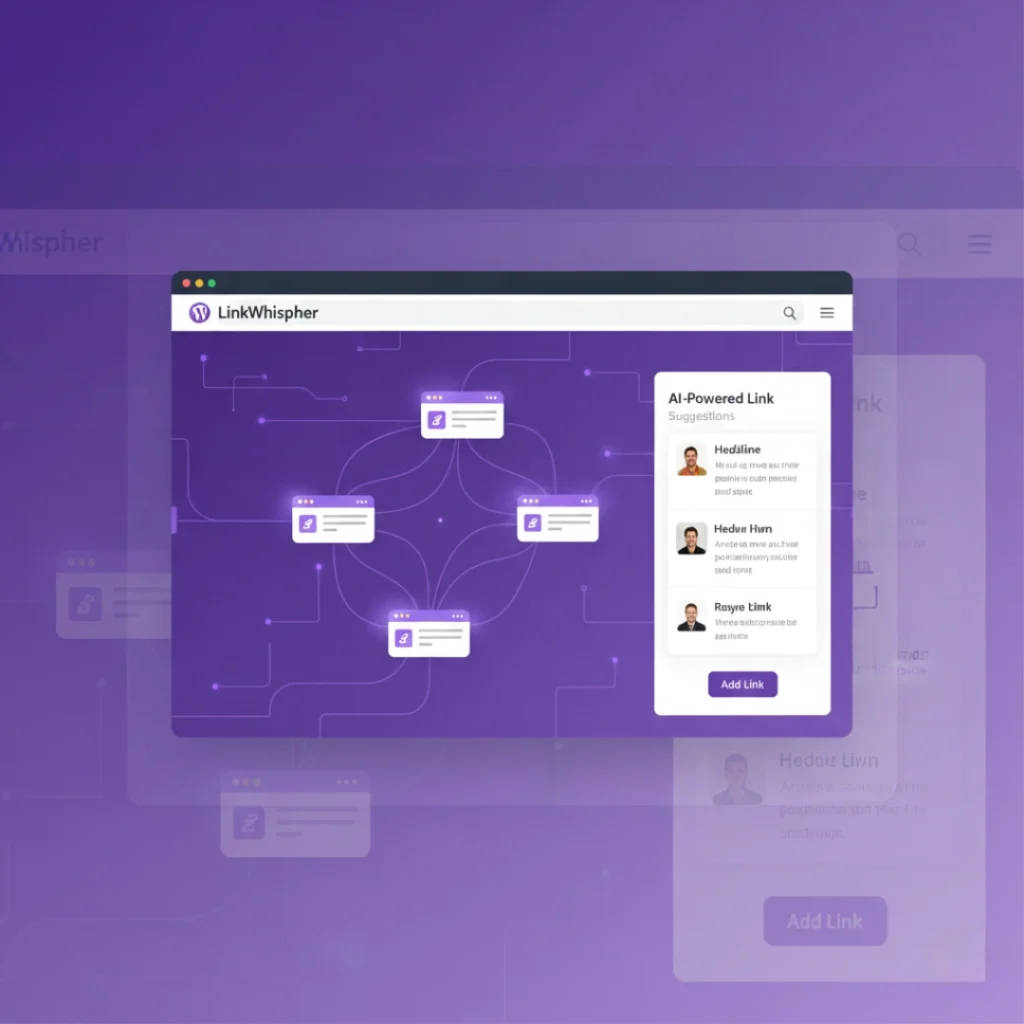
AI-driven link recommendations analyze your content library and surface the most relevant internal linking opportunities within seconds. Instead of manually reviewing dozens of posts to find connection points, LinkWhisper scans your entire site and presents contextually appropriate suggestions as you write or edit content.
The link whisper wordpress plugin examines semantic relationships between your articles, identifying connections based on topic relevance rather than just keyword matching. When you’re writing about “WordPress SEO techniques,” the plugin might suggest linking to your cornerstone content about on-page optimization or technical SEO guides. This intelligent matching ensures your internal links add genuine value for readers while strengthening your site’s topical authority. The system also adapts its suggestions based on your linking patterns, learning which types of connections you prefer over time. According to SEO experts at Moz, strategic internal linking for SEO can significantly improve how search engines understand and rank your content hierarchy.
2. Deploy Auto-Linking Rules Across Your Entire Site
Automatic linking rules let you create site-wide internal links in bulk, applying your linking strategy to hundreds of posts simultaneously. You can set up rules that automatically link specific keywords or phrases to designated target pages whenever they appear in your content.
For example, if you run a fitness blog, you might create a rule that links “high-intensity interval training” to your comprehensive HIIT guide every time the phrase appears. The internal link wordpress plugin applies these rules across all existing and future content, ensuring consistent linking without manual intervention. You can customize rules with parameters like maximum links per post, specific categories to target, and exclusion lists for pages where you don’t want automatic links. This feature proves especially valuable for large sites with extensive content libraries—what would take days to implement manually happens in minutes. Statistics from a LinkWhisper case study show users implementing auto-linking rules experienced a 40% reduction in time spent on internal linking tasks while maintaining high-quality, relevant connections throughout their sites.
3. Identify and Fix Orphaned Content Quickly
Orphaned pages those with no incoming internal links, represent missed opportunities for traffic and engagement. LinkWhisper’s orphan detection feature scans your site and highlights these isolated posts, giving you a clear action list for improving site architecture.
The link whisper wordpress plugin presents orphaned content in an easy-to-navigate dashboard, showing you exactly which pages need attention. You can quickly review each orphan, assess its relevance, and either create appropriate internal links or consider consolidating the content elsewhere. This systematic approach to finding internal linking opportunities ensures every piece of content contributes to your site’s SEO strategy. Many website owners discover valuable content they’ve forgotten about during orphan audits posts that could drive traffic with proper internal link support. The plugin also suggests specific articles that would be logical connection points, eliminating the guesswork from your orphan recovery process and helping you build a more cohesive site structure.
4. Monitor Link Health with Comprehensive Reports
Link health reporting provides visibility into your internal linking performance, broken links, and optimization opportunities. The dashboard displays key metrics like total internal links, average links per post, and distribution patterns across your site.
You can identify posts with too few internal links (weak in topical authority) or too many links (potentially diluting link equity). The link whisper wordpress plugin also flags broken internal links, allowing you to fix them before they impact user experience or SEO rankings. Regular link audits through these reports help maintain a healthy site architecture as your content library grows. For instance, you might discover that your newest articles aren’t receiving enough internal links from older content, indicating a need to update historical posts. External research from Ahrefs demonstrates that websites with strong internal linking structures tend to rank better for competitive keywords, with their study showing a correlation between the number of internal links pointing to a page and its search rankings.
5. Customize Anchor Text for Better SEO Performance
Strategic anchor text selection influences how search engines interpret your content relationships and topical focus. LinkWhisper allows you to customize suggested anchor text, ensuring your internal links use descriptive, keyword-rich phrases rather than generic “click here” text.
The plugin suggests contextually relevant anchor text based on the target page’s content and focus keywords, but you maintain full control to refine these suggestions. This balance between automation and customization helps you build an internal link strategy that aligns with your SEO goals. You can also set preferred anchor text patterns in your auto-linking rules, creating consistency across your site. Research indicates that descriptive anchor text helps both users and search engines understand what to expect from linked content, improving click-through rates and relevance signals. The internal link wordpress plugin even warns you about potential over-optimization, helping you maintain natural anchor text diversity that Google favors in modern ranking algorithms.
6. Integrate Seamlessly with WordPress Editors
Full compatibility with Gutenberg, Classic Editor, and popular page builders makes LinkWhisper accessible regardless of your content creation workflow. The plugin works directly within your editing interface, eliminating the need to switch between tools or export content for link analysis.
Whether you prefer writing in blocks with Gutenberg, using the Classic Editor, or building with Elementor, the link whisper wordpress plugin appears as a convenient sidebar panel showing link suggestions in real time. This integration means you can add internal links without disrupting your creative flow. The plugin also supports custom post types, allowing you to manage internal linking for WooCommerce products, portfolio items, or any custom content your site uses. According to WordPress.org usage statistics, sites using internal linking plugins see an average 25% increase in pages per session, suggesting that strategic internal links effectively guide visitors through content. For comprehensive WordPress SEO strategies beyond internal linking, consider implementing schema markup and optimizing your site speed alongside your linking efforts.
7. Scale Your Internal Linking as Your Site Grows
LinkWhisper’s features scale with your content library, maintaining link quality whether you manage 100 posts or 10,000 articles. The plugin handles large sites efficiently, processing bulk operations without slowing your WordPress dashboard.
As you publish new content, the internal link wordpress plugin automatically identifies linking opportunities with existing posts, ensuring new articles integrate into your site structure immediately. The bulk link editing feature lets you update internal links across multiple posts simultaneously invaluable when you restructure your site or consolidate content. You can also export link data for analysis in spreadsheet software, enabling advanced SEO auditing and strategic planning. Many content-heavy websites struggle to maintain consistent internal linking as they scale, but LinkWhisper’s automation and bulk tools prevent this common pitfall. The plugin’s efficient algorithms process hundreds of posts in seconds, making site-wide link audits and updates practical even for massive content libraries that would be impossible to manage manually.
Conclusion
The link whisper wordpress plugin eliminates the manual complexity of internal linking through AI-powered suggestions, automation rules, and comprehensive link health monitoring. By implementing these seven strategies, from leveraging smart link suggestions to scaling your efforts as your site grows, you can build a robust internal linking structure that enhances both user experience and SEO performance. Whether you’re managing a small blog or an enterprise content site, this internal link wordpress plugin provides the tools to maintain link quality without sacrificing hours to manual work. Ready to streamline your internal linking workflow? Explore LinkWhisper’s features and discover how automated internal linking can transform your site’s architecture and search visibility.
Frequently Asked Questions
2. How does the internal link WordPress plugin work?
The internal link WordPress plugin scans your content library using AI algorithms to identify semantic relationships between posts. It then suggests contextually relevant internal links in real-time as you create or edit content within your WordPress dashboard.
3. Can Link Whisper automatically add internal links to my WordPress site?
Yes, LinkWhisper's automation features let you create auto-linking rules that automatically insert internal links across your entire site. You can set specific keywords to link to designated pages, applying rules to existing and future content instantly.
4. Does Link Whisper work with Gutenberg and other WordPress editors?
Link Whisper integrates seamlessly with Gutenberg, Classic Editor, Elementor, and other popular page builders. The plugin appears as a convenient sidebar panel within your editing interface, providing link suggestions without disrupting your workflow.
5. What are orphaned pages and how does Link Whisper find them?
Orphaned pages are posts with no incoming internal links, making them hard to discover. Link Whisper automatically scans your site, identifies these isolated pages, and suggests specific articles where you should create connections to improve site architecture.
6. Can the Link Whisper WordPress plugin help with anchor text optimization?
Link Whisper suggests contextually relevant anchor text based on your target page's content and keywords. You maintain full control to customize suggestions, ensuring descriptive, SEO-optimized anchor text while avoiding over-optimization that search engines penalize.
7. How many internal links should I add per blog post using Link Whisper?
Most SEO experts recommend 2-5 internal links per 1,000 words. Link Whisper helps you maintain this balance by showing link density metrics and allowing you to set maximum links per post in your auto-linking rules.
8. Does the internal link WordPress plugin track link performance and metrics?
Yes, Link Whisper provides comprehensive internal link analytics showing total links, average links per post, broken link detection, and distribution patterns. These reports help you identify optimization opportunities and maintain healthy link architecture over time.
9. Is Link Whisper suitable for large WordPress sites with thousands of posts?
Link Whisper efficiently handles large content libraries, processing bulk operations on thousands of posts without slowing your dashboard. The plugin's algorithms work quickly, making site-wide link audits and updates practical even for enterprise-level WordPress installations.
10. Can I identify and fix bad internal links with the Link Whisper WordPress plugin?
Link Whisper detects problematic internal links including broken links, links to deleted content, and over-optimized anchor text patterns. The dashboard flags these issues with actionable recommendations, helping you maintain a clean, high-quality link profile.
Check if your site has the same issues.
Run a free audit right now. See your orphaned pages, broken links, and link health score in 60 seconds.
Check My Site

